Netflix buffering on the couch. A video call that freezes the moment you walk to the kitchen. A back bedroom, a stoep or a boardroom where the Wi-Fi simply gives up. If any of that sounds familiar, the problem is almost never your fibre line. It is the Wi-Fi. And the fix is easier than most people think.
At Paarl IT we install and support networks in homes, farms and offices across the Winelands every week. When a client asks us what to buy to properly fix their Wi-Fi, our answer right now is simple: the Ubiquiti UniFi U7 Pro, ideally paired with a UniFi Cloud Gateway Ultra. Here is why, in plain English.
The short answer
The UniFi U7 Pro is a ceiling-mounted tri-band Wi-Fi 7 access point that gives you faster speeds, stronger coverage and room for hundreds of connected devices. Pair it with a UniFi Cloud Gateway Ultra and you get a complete, professionally managed network for your home or office, with no monthly licence fees.
5 signs your Wi-Fi needs an upgrade
- Dead zones. Certain rooms, the garden or the far office never get a decent signal.
- Evening slowdowns. Everything is fine until the whole family (or the whole team) is online.
- Dropped video calls on Teams, Zoom or WhatsApp, especially when you move around.
- A pile of extenders and plug-in boosters that each need their own password and still do not work well.
- You are paying for fast fibre, but a speed test on your phone shows a fraction of it.
If you ticked two or more, your router's built-in Wi-Fi is the bottleneck. The free router your internet provider gave you was built to be cheap, not to cover a brick house with thick walls or a busy open-plan office.
What is Wi-Fi 7, and why should you care?
Wi-Fi 7 is the newest Wi-Fi standard. You do not need to know the technical details, but here is what it means for you:
- A third band (6 GHz). On top of the familiar 2.4 GHz and 5 GHz, Wi-Fi 7 adds a wide, uncrowded 6 GHz lane for newer phones and laptops. Think of it as an extra highway with no traffic.
- Wider channels. More data moves at once, so big downloads, 4K streaming and cloud backups finish faster.
- Multi-Link Operation. Compatible devices can use more than one band at the same time, which means lower lag and fewer drops.
- Better in busy places. It handles lots of devices at once far more gracefully, which matters when every person carries two or three.
The best part: Wi-Fi 7 is fully backwards compatible. Your older laptops, smart TVs, printers and smart plugs keep working exactly as before, and they still benefit from the stronger, cleaner signal.
Meet the UniFi U7 Pro
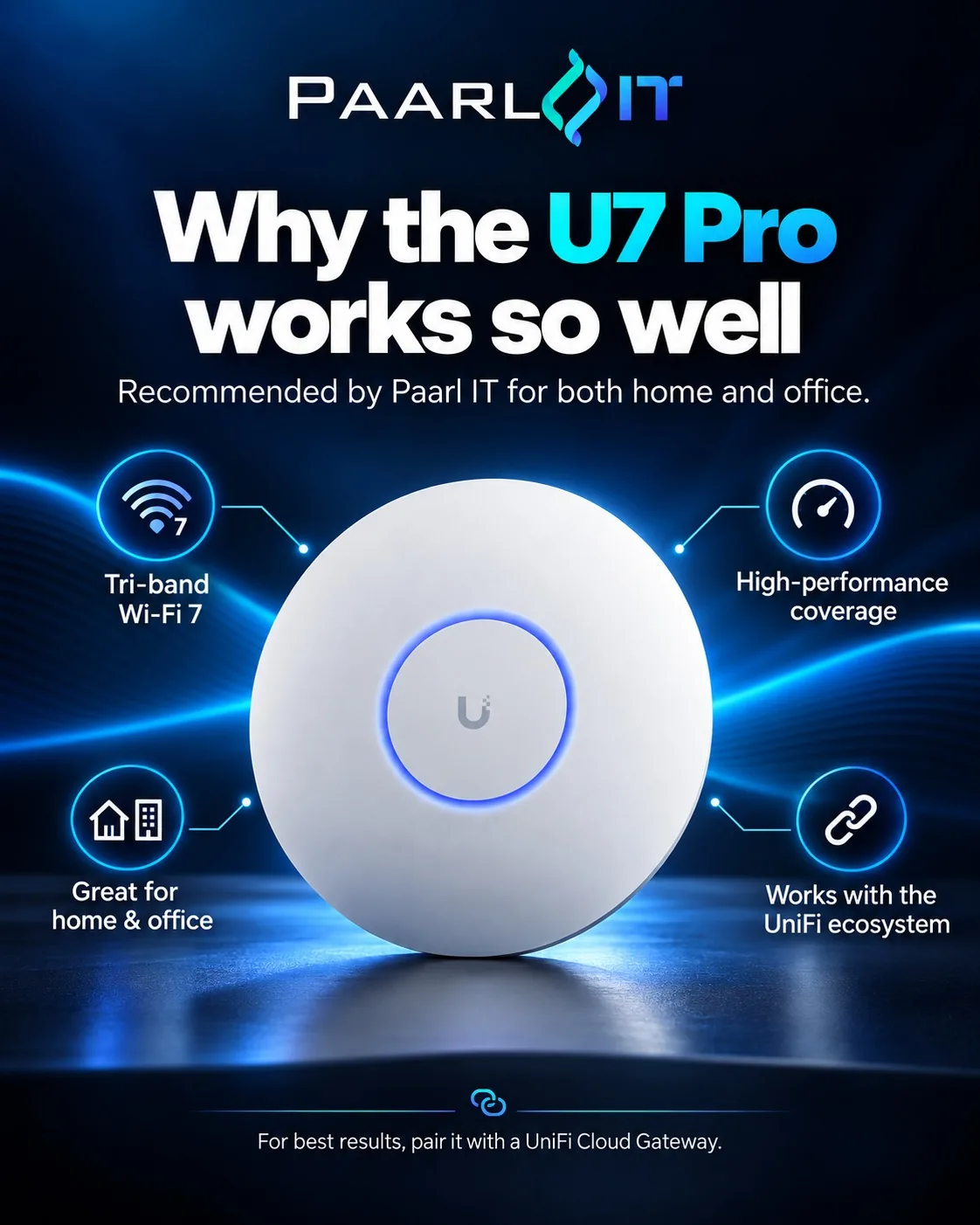
The U7 Pro is a slim, white disc that mounts on the ceiling (it looks more like a smoke detector than a piece of networking gear). Mounting it up high, in the middle of the space, is exactly why it covers so much better than a router sitting in a cupboard next to the fibre box.
| Feature | What it means for you |
|---|---|
| Tri-band Wi-Fi 7 (2.4, 5 and 6 GHz) | Faster speeds and less interference from the neighbours' Wi-Fi |
| Around 140 m² of coverage per unit | One unit covers most average homes or a small office floor |
| 300+ connected devices | Phones, laptops, TVs, cameras and smart home gear, all at once |
| 2.5 GbE network uplink | Ready for gigabit fibre and beyond, no bottleneck at the cable |
| Powered over the network cable (PoE+) | One neat cable to the ceiling, no plug point needed |
| Seamless roaming between units | Walk from room to room or building to building without dropping a call |
| Managed in the UniFi app | See every device, run speed tests and set up guest Wi-Fi from your phone |
Why not just buy a mesh kit?
Consumer mesh systems are fine for a small flat. But most of them connect their units to each other wirelessly, which halves your speed with every hop, and they sit on shelves where furniture and walls block the signal. UniFi access points are designed to be cabled back to your network and mounted on the ceiling, so every unit delivers full speed. Need more coverage later? Simply add another U7 Pro and it joins the same Wi-Fi name automatically.
Best paired together: the U7 Pro + Cloud Gateway Ultra
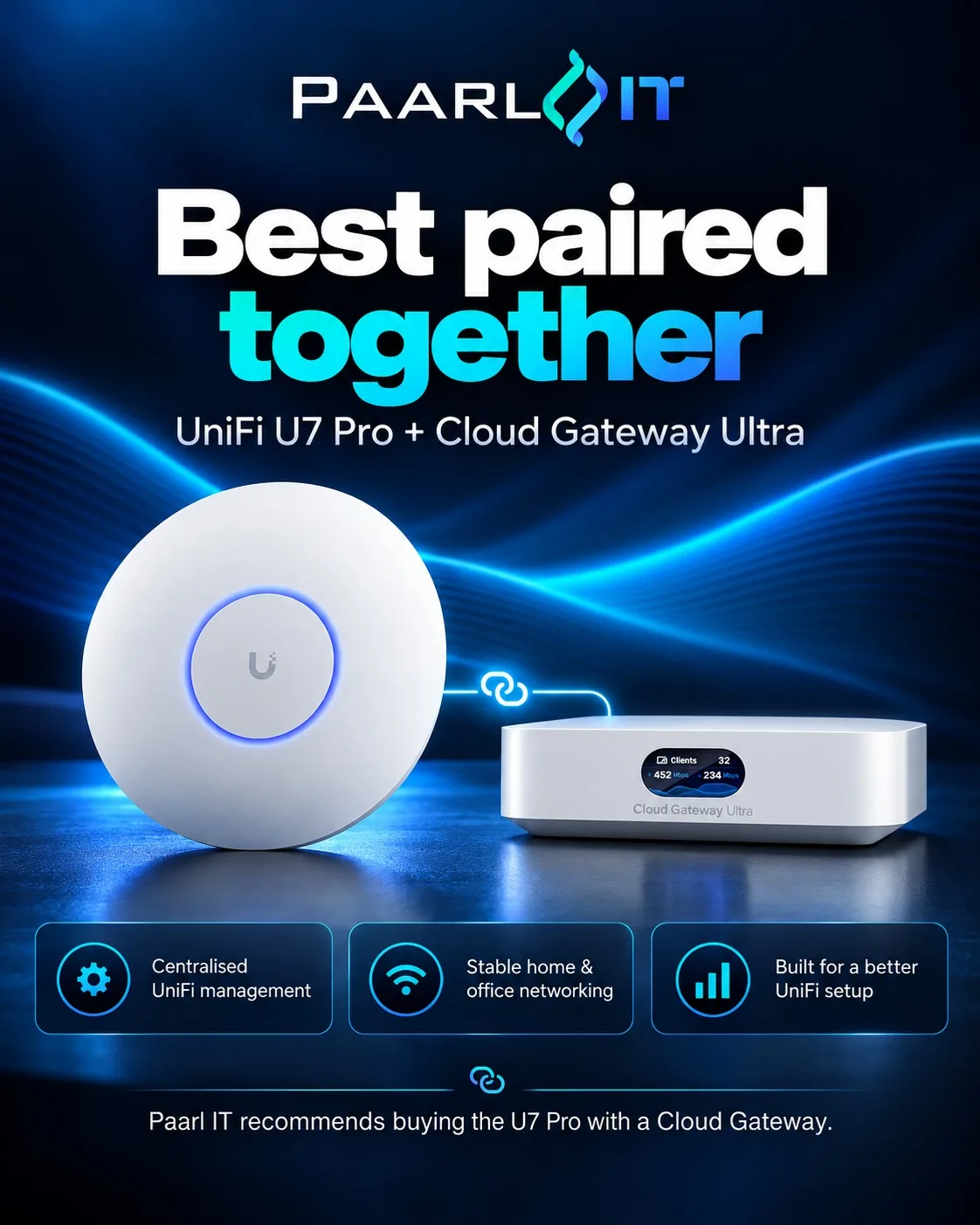
The U7 Pro handles the Wi-Fi. The UniFi Cloud Gateway Ultra becomes the brain of your network. It sits between your fibre line and everything else and runs the UniFi software that manages your access points. Together they give you:
- One app for everything. See who is connected, how much data they use and how strong their signal is, from anywhere.
- Built-in security. Threat detection and a proper firewall, not the bare minimum of an ISP router.
- Guest and IoT networks. Keep visitors, smart TVs and cameras separate from your work laptops.
- Multi-WAN backup. Plug in a second connection (an LTE or 5G router, for example) and the gateway fails over automatically if the fibre goes down.
- Remote support from us. With your permission we can check and fix things without a callout, which saves you time and money.
- No subscriptions. UniFi has no monthly licence fees. You buy the hardware once and it is yours.
Perfect for home and office
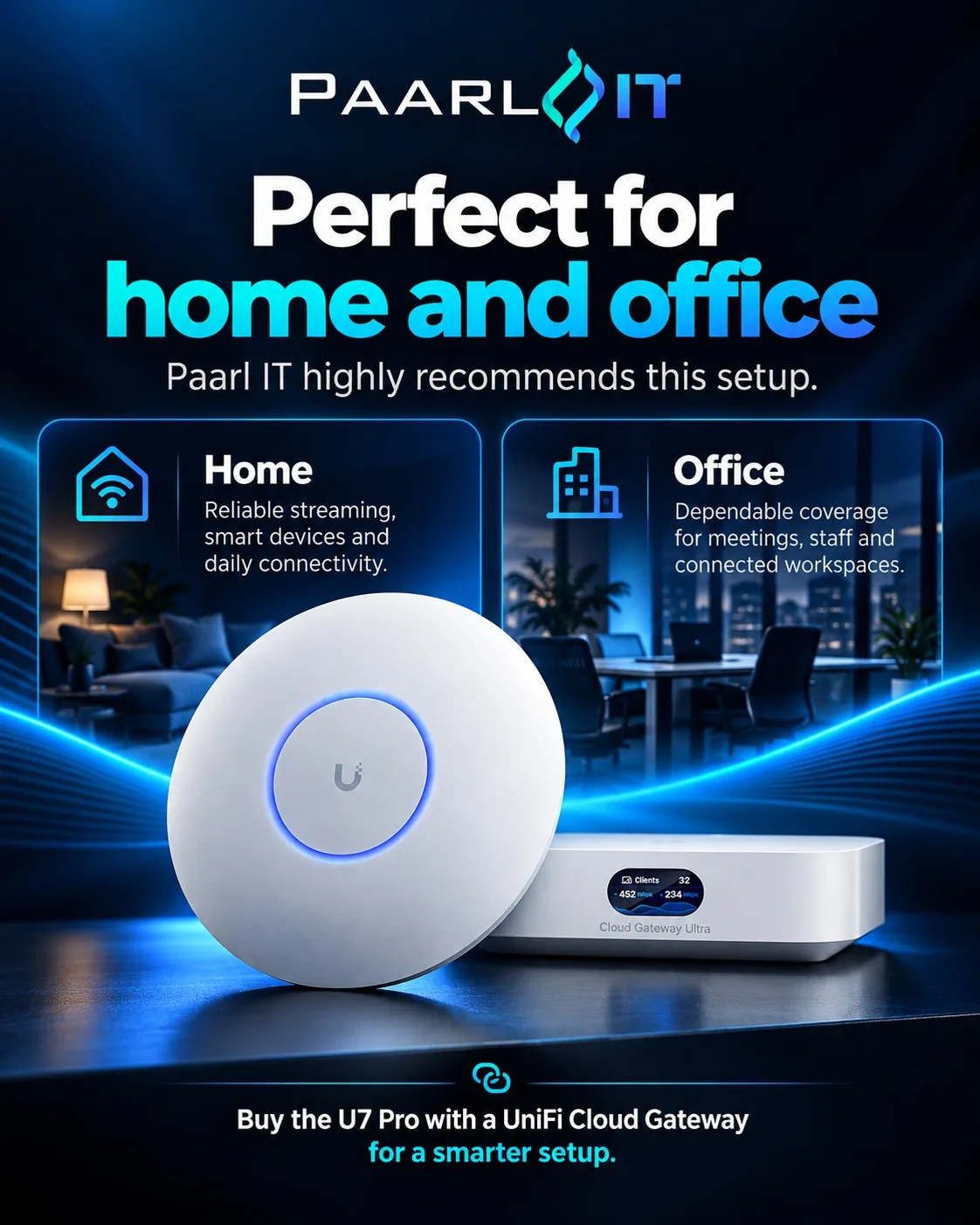
At home
- Smooth 4K streaming in every room
- Lag-free gaming and video calls
- Smart home devices that stay connected
- Wi-Fi out to the patio, pool or granny flat
- A separate guest network for visitors
At the office
- Dependable coverage for meetings and staff
- Room for laptops, phones, printers and cameras
- Seamless roaming between rooms and floors
- Separate networks for staff, guests and devices
- Central management across one or more sites
How many U7 Pros do I need?
As a rough guide, plan for one U7 Pro per 100 to 140 m² of open space. Every home is different, though. Thick brick walls, concrete slabs, Winelands farmhouses with stone walls and double-storey homes all soak up signal. Typical setups we install:
- Apartment or small home: 1 x U7 Pro + Cloud Gateway Ultra
- Average family home: 2 x U7 Pro (one per wing or floor) + Cloud Gateway Ultra
- Large home, farm or small office: 3 to 5 x U7 Pro + Cloud Gateway Ultra + a PoE switch
Not sure? Ask us. We would rather spend five minutes getting it right than sell you one access point too many, or too few.
What you need for a complete setup
- UniFi U7 Pro access point(s), one per area you want covered.
- UniFi Cloud Gateway Ultra to run and secure the network.
- A PoE+ switch or injector to power each access point over its network cable.
- Network cabling to each access point (we run and terminate this neatly).
- Professional installation, so everything is placed, configured and tested properly the first time.
Prefer to do it yourself? The UniFi app makes setup friendly. Want it done for you? Our team handles everything from cabling to the final speed test, and shows you how to use the app before we leave.
Ready to upgrade your Wi-Fi?
Shop the UniFi U7 Pro
In stock and shipped to your door, or installed by Paarl IT.
Kitting out an office? The U7 Pro 5-pack is the better buy.
Why buy your UniFi from Paarl IT?
- Local experts. We are based in Paarl and install UniFi networks across Paarl, Wellington, Stellenbosch, Franschhoek and the greater Winelands.
- The right kit, not the most kit. We help you choose what your space actually needs.
- Installed properly. Neat cabling, smart placement and a speed test in every room.
- Support after the sale. If something is not right, you call a local team who knows your setup. See our networking services.
Frequently asked questions
Is the UniFi U7 Pro good for home use?
Yes. Many people think UniFi is only for businesses, but the U7 Pro is one of the best ways to get fast, reliable Wi-Fi throughout a home, especially larger or double-storey homes where a single router cannot reach every room.
Do I need a Cloud Gateway to use the U7 Pro?
The U7 Pro needs a UniFi controller to be set up and managed. A UniFi Cloud Gateway such as the Cloud Gateway Ultra is the simplest way to provide that, and it adds a proper firewall, security features and remote management. That is why we recommend buying them together.
Will my older devices work with Wi-Fi 7?
Yes. Wi-Fi 7 is backwards compatible, so older phones, laptops, TVs and smart devices connect as normal on the 2.4 GHz and 5 GHz bands. Newer Wi-Fi 6E and Wi-Fi 7 devices can also use the faster 6 GHz band.
Can I keep my existing fibre router?
Usually, yes. In most installs the Cloud Gateway Ultra connects to your fibre box (ONT) directly, or to your existing router, and takes over the network from there. We check your setup and do whatever keeps things simplest and fastest.
Does the U7 Pro need a plug point on the ceiling?
No. It is powered through the same network cable that carries its data, using PoE+. You need a PoE+ switch or a small PoE+ injector, which we include in your quote.
Does Paarl IT install UniFi Wi-Fi?
Yes. We supply, install and support UniFi networks for homes, farms and businesses across Paarl and the Winelands. Contact us for a quote or advice on the right setup.