
The Role of IT in Sustainable Winemaking: From Vineyard to Bottle

From Vineyards to Vacation Rentals: How Paarl IT Keeps the Western Cape Connected

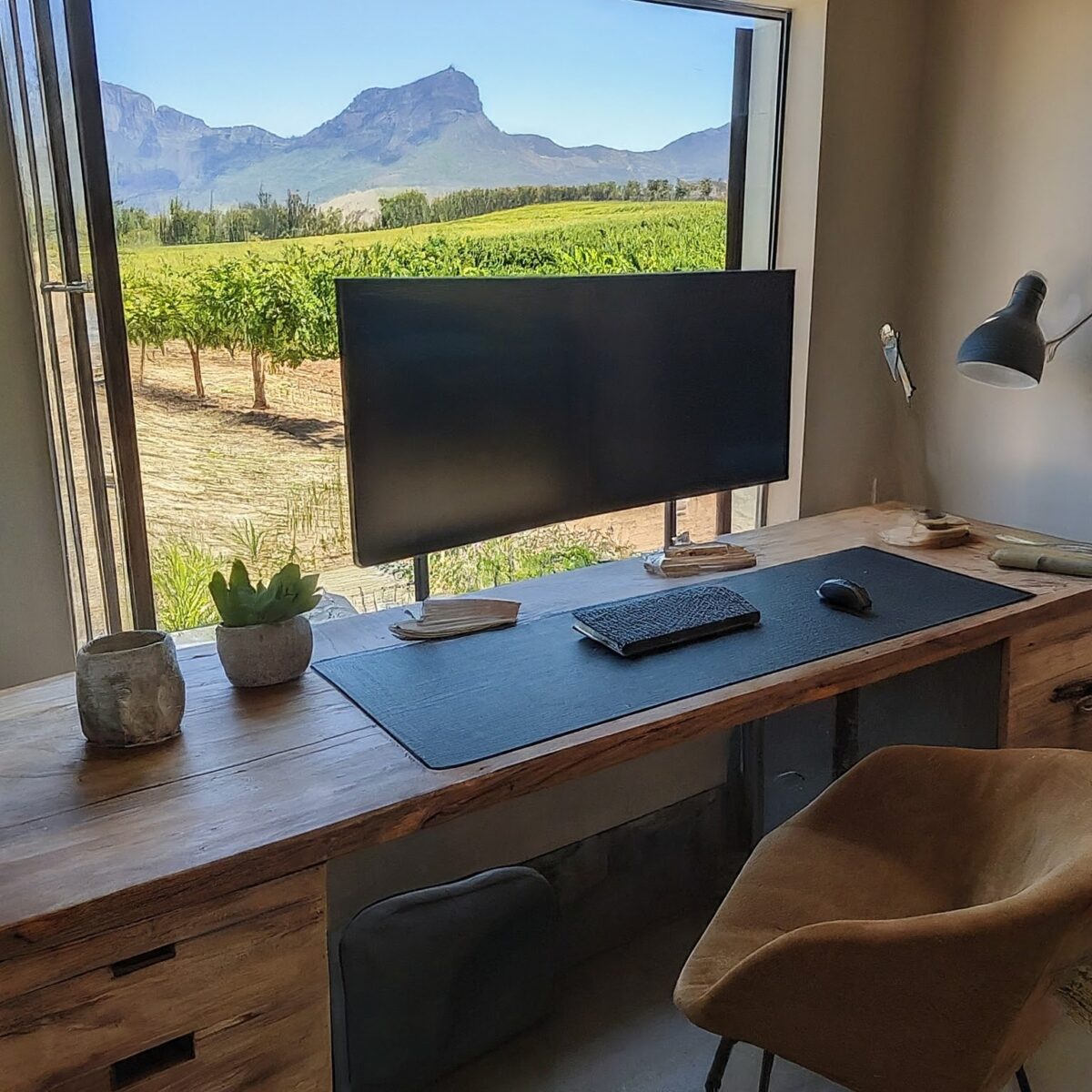
With its stunning landscapes and growing tech scene, the Western Cape is becoming an increasingly popular destination for remote workers and entrepreneurs. Whether you’re nestled in the Winelands, enjoying the coastal views of Hermanus, or based in bustling Cape Town, setting up a secure home office is crucial for your productivity and peace of mind. This guide will walk you through the essential steps to create a safe, efficient, and comfortable workspace in your Western Cape home.
1. Choose the Right Space
Your home office location is the foundation of your setup:
- Select a quiet area with good natural light if possible
- Ensure the space has reliable electricity access (important during load shedding)
- Consider proximity to your router for the best Wi-Fi connection
Pro Tip: If you’re in an area prone to load shedding, consider setting up a small UPS (Uninterruptible Power Supply) or investing in solar panels to keep your essential equipment running.
2. Secure Your Internet Connection
A fast, stable, and secure internet connection is crucial for remote work:
- Invest in a reliable fiber or LTE connection from a reputable ISP
- Set up a separate, dedicated Wi-Fi network for your work devices
- Use a strong, unique password for your Wi-Fi network
- Enable WPA3 encryption if your router supports it
Security Measure: Consider using a VPN (Virtual Private Network) to encrypt your internet traffic, especially when handling sensitive data.
3. Implement Strong Cybersecurity Measures
Protecting your digital workspace is as important as securing your physical one:
- Install and regularly update reputable antivirus software
- Use a firewall to monitor and control incoming and outgoing network traffic
- Implement multi-factor authentication (MFA) on all your work accounts
- Regularly backup your data to an external hard drive or secure cloud service
Local Consideration: Be aware of phishing scams that may exploit local events or services. Stay informed about cybersecurity threats specific to the Western Cape region.
4. Set Up Secure Hardware
Choosing and securing the right equipment is essential:
- Use a dedicated work computer, separate from personal devices if possible
- Encrypt your hard drive (use FileVault on Mac or BitLocker on Windows)
- If using a laptop, invest in a privacy screen to prevent visual hacking in public spaces
- Consider using a webcam cover when not in video calls
Pro Tip: Given the Western Cape’s sometimes unpredictable weather, invest in surge protectors to safeguard your equipment from power fluctuations.
5. Organize Your Physical Space
A well-organized space contributes to both security and productivity:
- Use a lockable filing cabinet for sensitive physical documents
- Invest in a paper shredder for secure disposal of confidential papers
- Consider a standing desk or ergonomic chair to promote better posture and health
- Ensure good lighting to reduce eye strain (especially important during winter months)
Local Touch: Add some local flair with artwork or plants native to the Western Cape to make your space more inviting.
6. Implement Secure Communication Practices
Protect your conversations and data transfers:
- Use encrypted messaging apps for work-related communications
- Be cautious when using public Wi-Fi networks; always use a VPN if you must connect
- Consider using a separate work phone number (VoIP services can be useful for this)
- Be mindful of what’s visible in your background during video calls
Pro Tip: Familiarize yourself with data protection regulations relevant to your industry and the Western Cape.
7. Establish a Routine for Security Maintenance
Regular maintenance keeps your home office secure:
- Schedule regular software updates and security scans
- Periodically review and update your passwords
- Stay informed about the latest cybersecurity threats and best practices
- Conduct occasional “cybersecurity drills” to test your preparedness
Local Resource: Consider joining local tech communities or attending workshops (virtual or in-person) to stay updated on cybersecurity practices relevant to the Western Cape.
8. Plan for Disasters and Outages
The Western Cape can face unique challenges:
- Have a backup internet solution (e.g., mobile data) for when your primary connection fails
- Prepare for load shedding with alternative power sources like power banks or solar chargers
- Create an emergency plan for natural disasters like fires or storms
- Keep important documents backed up and easily accessible in case of evacuation
Regional Tip: Stay informed about local services and infrastructure updates that might affect your work setup.
9. Balance Work and Life
While security is crucial, don’t forget about your well-being:
- Set clear boundaries between your work and personal life
- Take regular breaks to enjoy the beautiful Western Cape surroundings
- Consider joining local coworking spaces or digital nomad meetups for networking and to combat isolation
Local Wellness: Take advantage of the Western Cape’s outdoor offerings for your breaks – a quick walk in nature can do wonders for your productivity and mental health.
Conclusion
Setting up a secure home office in the Western Cape offers a unique blend of challenges and opportunities. By following these guidelines, you can create a workspace that’s not only secure and efficient but also takes advantage of the region’s unique attributes. Remember, a secure home office is an ongoing process – stay vigilant, keep learning, and don’t hesitate to seek professional help when needed.
About Paarl IT
At Paarl IT, we understand the unique needs of remote workers and home-based businesses in the Western Cape. Our team of experts can help you set up, secure, and maintain your home office IT infrastructure. From cybersecurity solutions to hardware recommendations tailored to local conditions, we’re here to ensure your home office is as secure and efficient as possible. Contact Paarl IT today to learn how we can help you create the perfect secure home office setup.